
Stay with us
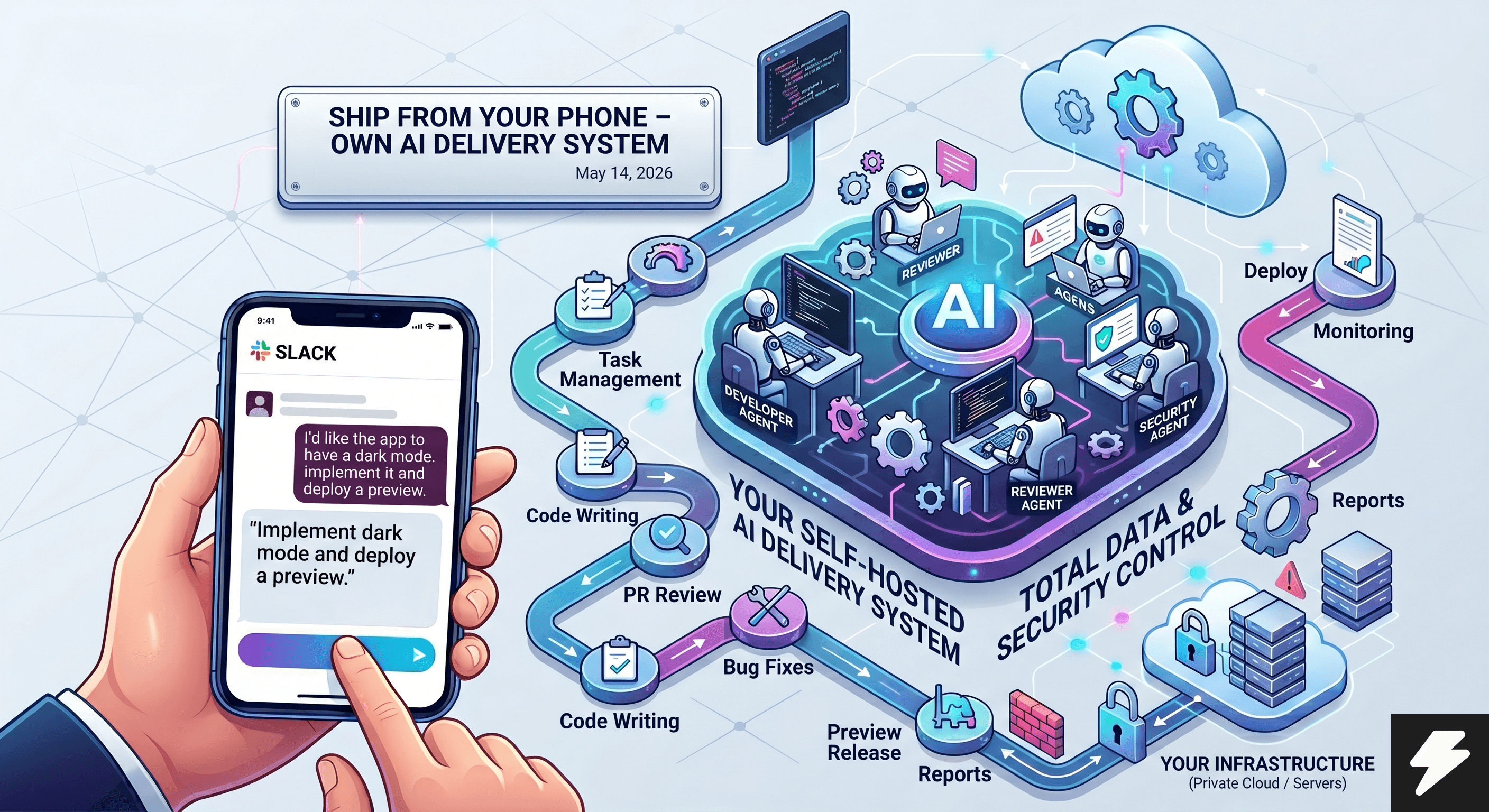
Ship From Your Phone: Your Own AI Delivery System
Send one message from your phone and let your AI delivery system handle the entire flow—from review to release—on your own infrastructure.

A single message from your phone triggers the entire delivery engine: PR reviews, incident response, fixes, and preview releases. Within minutes, you get an analysis, a proposed patch, test results, and an audit trail. Everything runs self-hosted, meaning the server, rules, integrations, and data stay fully under your control.
In Practice.
I simply text Slack / WhatsApp / Email:
- "I'd like the app to have a dark mode. Implement it and deploy a preview so I can demo it."
- "I got some review comments on my PR. Take a look, suggest a fix, and once I approve, apply it and reply to the PR."
- "How does TameTeq work? Do some research, create a PDF, and email it to me."
- "Hey, the app is failing. Check the logs, find out what happened, create a task, and deploy a preview with a fix."
- "Research the competition online. Compare their pricing and positioning to ours, prepare a 1-page recommendation, and email it to management."
- "Create a 2-week onboarding plan for a new team member using our internal docs and wiki."
- "Find out which meetings this week don't have a clear outcome. Suggest an agenda or cancel the low-value calls."
How it works
One message, the entire workflow. If I post a PR review request on an internal Slack channel, the agent quickly generates a review report directly in GitHub—highlighting risky changes, test results, and specific patch suggestions that it can start working on immediately. During an incident, a short command is all it takes. The agent gathers logs, creates a ticket, reproduces the bug, prepares a fix branch, and sends a preview URL along with a changelog and estimated production impact. New feature delivery works the same way. You describe the functionality, and the agent creates the task, writes the code, runs tests, performs a basic quality check, and opens a PR. In the morning, I just ask what important emails came in. The agent pulls priority messages, drafts contextual replies, and automatically logs follow-up tasks into Slack.
These are just examples. In reality, the possibilities are vast. The agent can work with tools via CLI, MCP integrations, or the web, provided it has the right access. Any system an agent can understand and safely control can be part of the workflow.
The Result: Higher team productivity, as everyone focuses on what matters instead of routine tasks. Operations (reviews, fixes, reports, handoffs) speed up, time-to-fix drops, and you can orchestrate multiple tasks in parallel to get more done.
Why keep the execution layer in-house?
SaaS platforms are a great start. But once agents touch production repos, incidents, and internal tools, other priorities take over: auditing, access rights, and security accountability.
A self-hosted system keeps the critical execution layer inside your own perimeter. Permissions, logging, guardrails, and your choice of model providers are under your control—from the first command to the final deploy.
- No 'black-box' between you and production execution
- Full audit trail of every decision and action
- Security policies and guardrails based on your own rules
- Flexible setup and integration with proprietary systems
- Complete control over quality, latency, and model costs
Playbook: 6 steps to your own AI delivery system.
Quick start: A basic pilot can be ready in 1-2 hours. If you have your server, access rights, and API keys ready, you can get the first version running in a single deep-work session. Don't aim for perfection right away; the goal is to launch a secure, working foundation and then refine it as you go.
1) Get a server and prep the environment. For a pilot, a single machine (Ubuntu LTS, 4 vCPU, 8-16 GB RAM, 80+ GB SSD) is enough—try Hetzner, Vultr, DigitalOcean, or AWS. Prices usually start at just a few euros a month. Optionally, separate your runtime, logs, and secrets so the system can scale without a full infra rewrite.
2) Set up the server - access, ports, and firewall. Use SSH key-only access, separate roles, and keep ports (like 3000) strictly managed. Enable audit logs to track who triggered critical actions. Install the necessary software for both the AI system and your own tech stack (e.g., Python, npm, Docker, Git) so the Agent can actually use them.
3) Install the agent system and orchestration layer. For advanced setups (like Hermes), you might use gateway logic to manage tools, access, and workflow steps. This acts as the 'brain' that breaks down tasks, delegates work, and ensures consistent output. Depending on the platform, you can also store states and keep separate contexts for different users or projects.
4) Configure the Hermes agent, harness layer, and software stack. First, set up your model provider, API keys, and permissions between the orchestration layer and execution workers. Set up routing, fallbacks, and cost limits. (Advanced) Add rules for multiple users/agents so each project has its own memory and instructions. We recommend a gateway layer to bridge Hermes with Slack, Discord, or WhatsApp so you aren't stuck in a terminal. Finally, prepare the software stack: Git, GitHub CLI, Linear, MCP servers (email, docs, calendar), and internal deployment tools.
5) Run the system as a service. Run the agent runtime via process management with health checks and clear logging so it stays reliable 24/7.
6) Talk to your agent via your preferred app. Use Slack, WhatsApp, email, or a custom app. Define instructions, skills, and guardrails (review standards, approval rules) to ensure quality. Refine these 'skills' over time based on real usage. It's often best to let the agent itself suggest skill updates based on your feedback. With a Hermes setup, you can even update skills semi-autonomously through conversation.
Playbook Summary: Start simple, but keep orchestration, execution, and access separate from day one. This gives you the speed of AI agents without losing control over security and costs.
Hermes and Harness: How they work together
Hermes is the orchestration—the brain. It takes user input, holds the context, breaks the task into steps, picks the right tools, and checks the guardrails. Simply put: Hermes decides what to do, in what order, and by what rules.
Harness is an architectural concept, not a single product. For one team, it might mean the execution layer with specialized workers; for another, it's a wrapper/orchestration over multiple agents. It’s important to explicitly define what 'harness' means for your specific project.
Providers are the models and services under the hood. These are your LLMs (OpenAI, Anthropic, or local endpoints), plus services for embedding or tool APIs. The orchestration layer can route requests based on price, speed, or quality.
The workflow in action: User gives a task -> Orchestration plans it -> Chooses a provider and worker -> Execution happens -> Output is checked for safety and quality -> User gets the final answer. If a tool or provider fails, the system uses a defined fallback.
Quick Recap: Hermes is a specific orchestrator; Harness is the pattern for organizing execution. In a well-designed system, these layers complement each other to provide agent speed with full operational control.
- Hermes = Orchestration, context, rules, routing
- Harness = The way execution is organized (worker layer or wrapper)
- Claude Code / Codex = Powerful execution engines for coding tasks
- Gateway + Skills + Guardrails = Seamless operation without manual switching
Where is the best ROI?
The biggest ROI comes when you need full control: over guidelines, access, repositories, and audit trails. You aren't waiting for a middleman to manage your AI; you set your own standards and keep the decision-making internal.
The economics are straightforward: you mostly pay for the server and the model provider, not a third-party AI cloud margin. Since the processing runs on your infrastructure, you control the costs, latency, and data flow.
Plus, you gain total flexibility: plug in any software stack and connect to your system from anywhere—terminal, Slack, or your own internal dashboard.
"We don't rent someone else's AI factory. We build our own delivery engine with full control—from the first instruction to the production result."
References
Read next
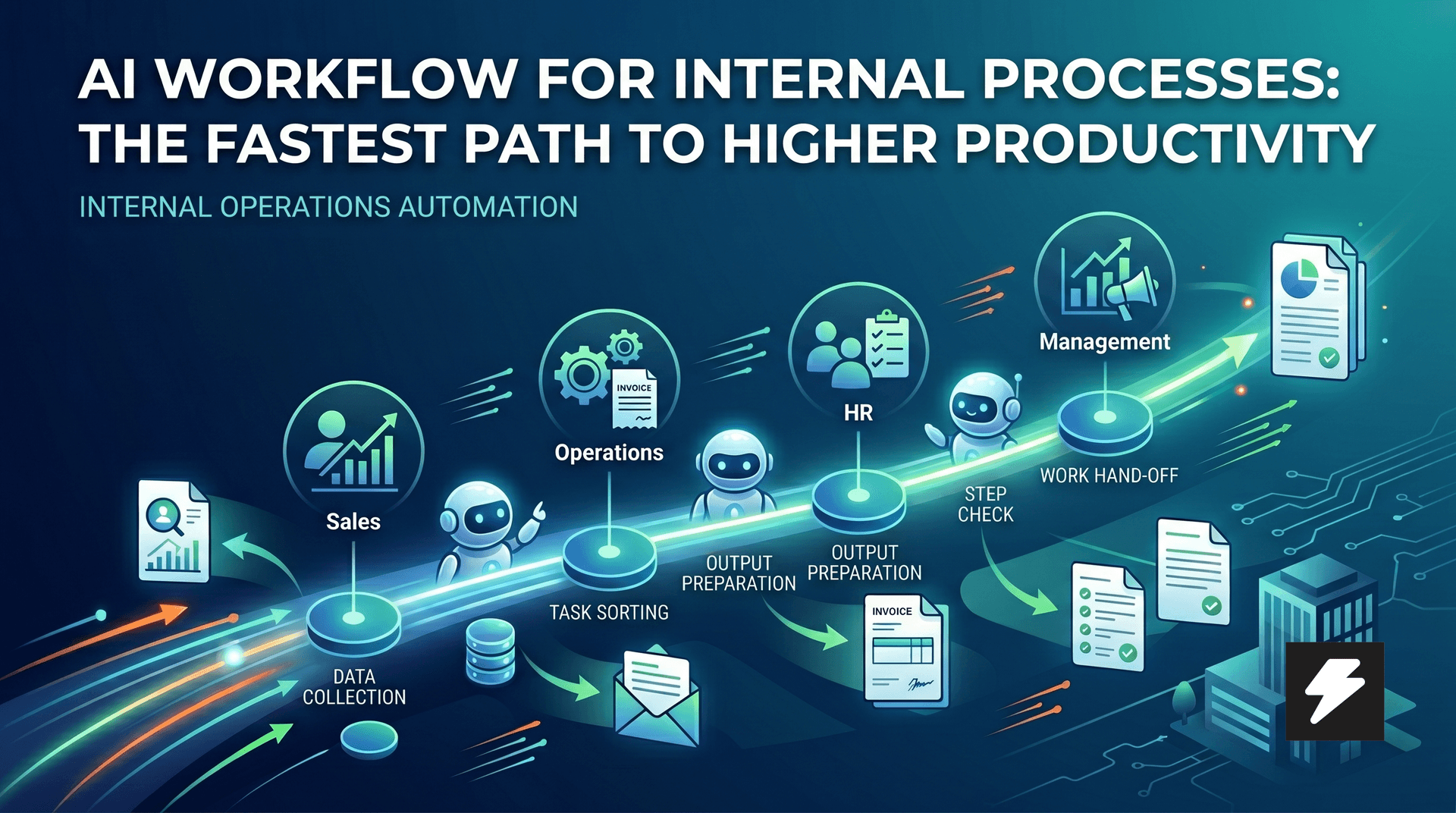
AI Workflows for Internal Processes: The Fastest Path to Higher Productivity
Most companies today approach AI from the visible surface-a chatbot, a copilot in the inbox, or a single smart feature on the website. However, the fastest business impact often lies elsewhere: in internal processes that cost dozens of hours of manual labor every week. This is exactly where it makes sense to build small internal systems and workflows on top of your data. Systems that gather background information, sort requests, prepare outputs, monitor dependencies, and speed up tedious operations. The result isn't just saved time. It's a faster company, cleaner operations, and a team that can focus on more important work.
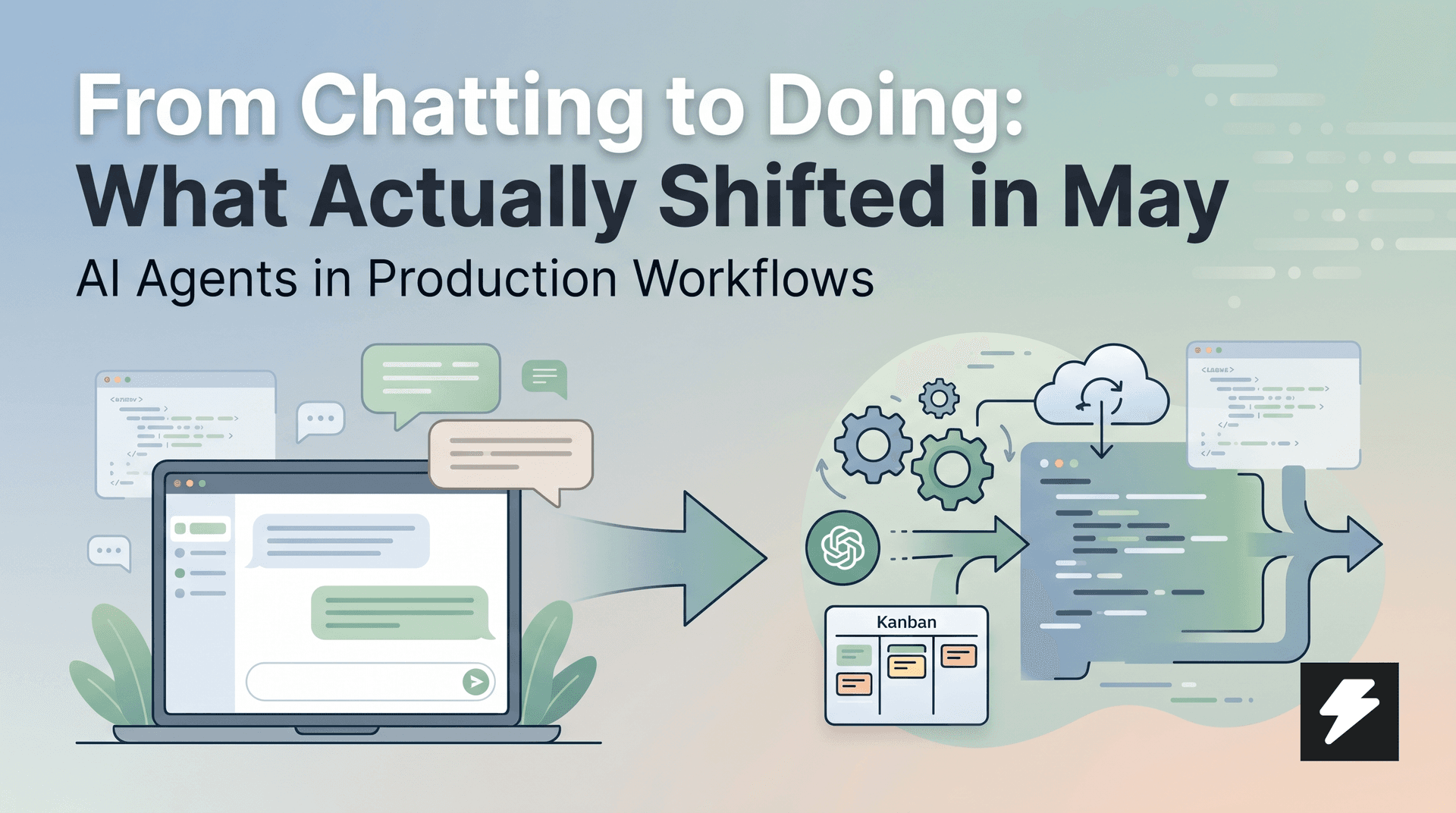
From Chatting to Doing: What Actually Shifted in May
Codex, Claude, Gemini, and Cursor delivered a consistent message in May: agents are moving from chat to production. The focus isn't on a better model, but on environment, governance, and integration with work systems. For companies, this isn't a signal to buy another chat window—it's a signal to rebuild their operating model for AI.
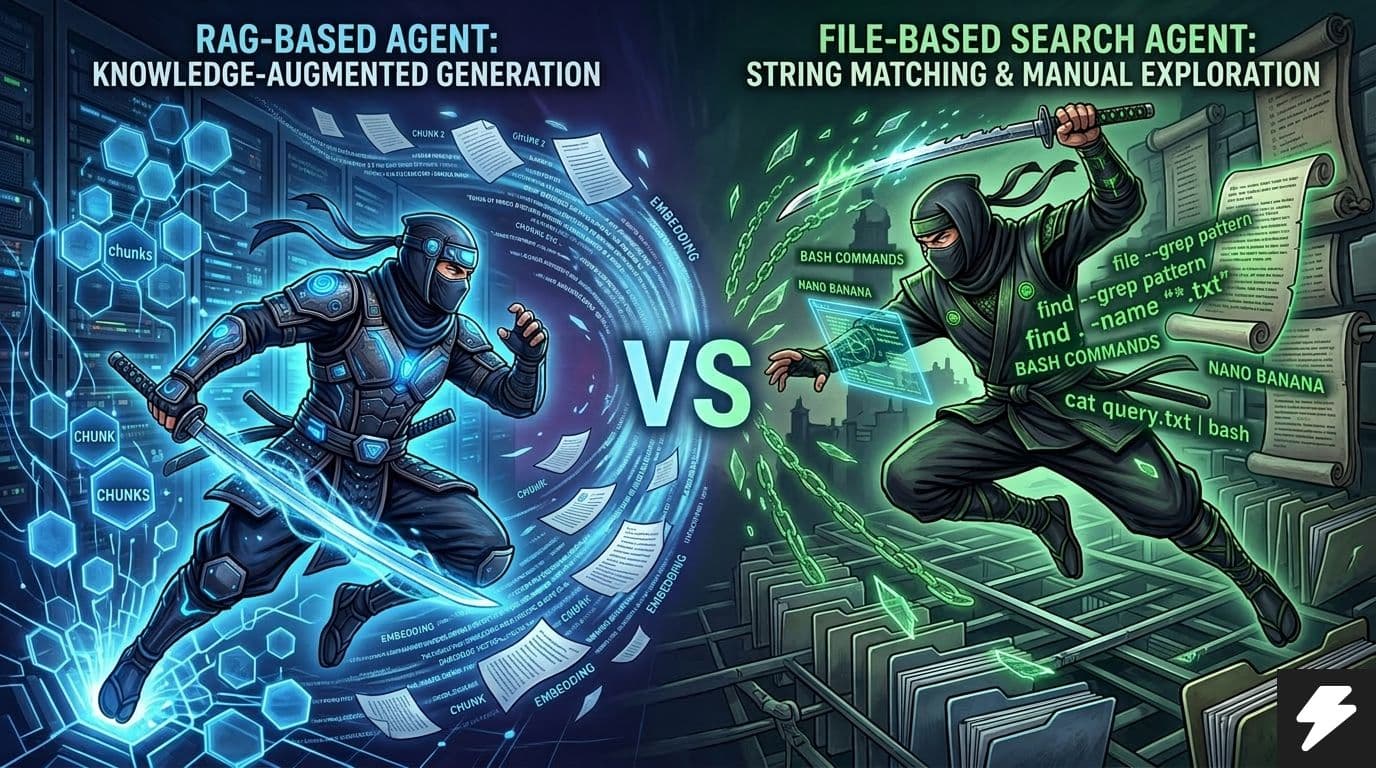
RAG vs. File-Based Agents.
Instead of a simple 'File-based search vs. RAG' debate, a practical comparison is more useful: what starts faster, what offers better control, and what actually scales. This article summarizes current 2026 data and translates it into a straightforward decision-making framework.